
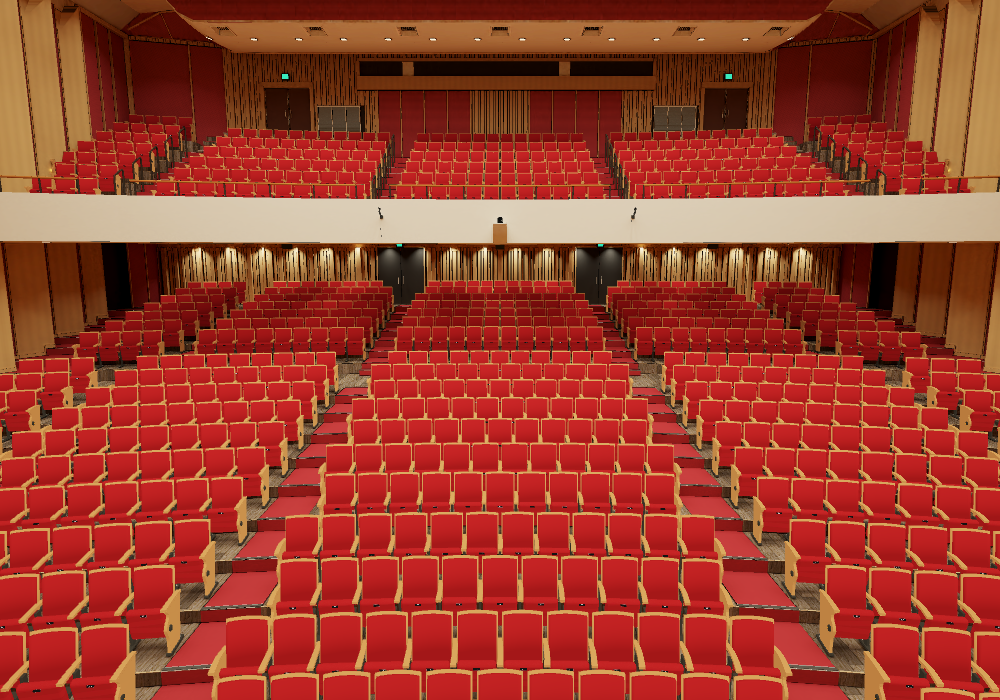
CHIAYI CITY CONCERT HALL
Concert Hall
Walk onto the stage and through the auditorium.
Find a view you like.
Scroll to get started
Free · No installationUnofficial 3D simulation
One concert hall.
Three areas to explore.
From the stage to both seating levels,
walk freely and see the hall from a new angle.
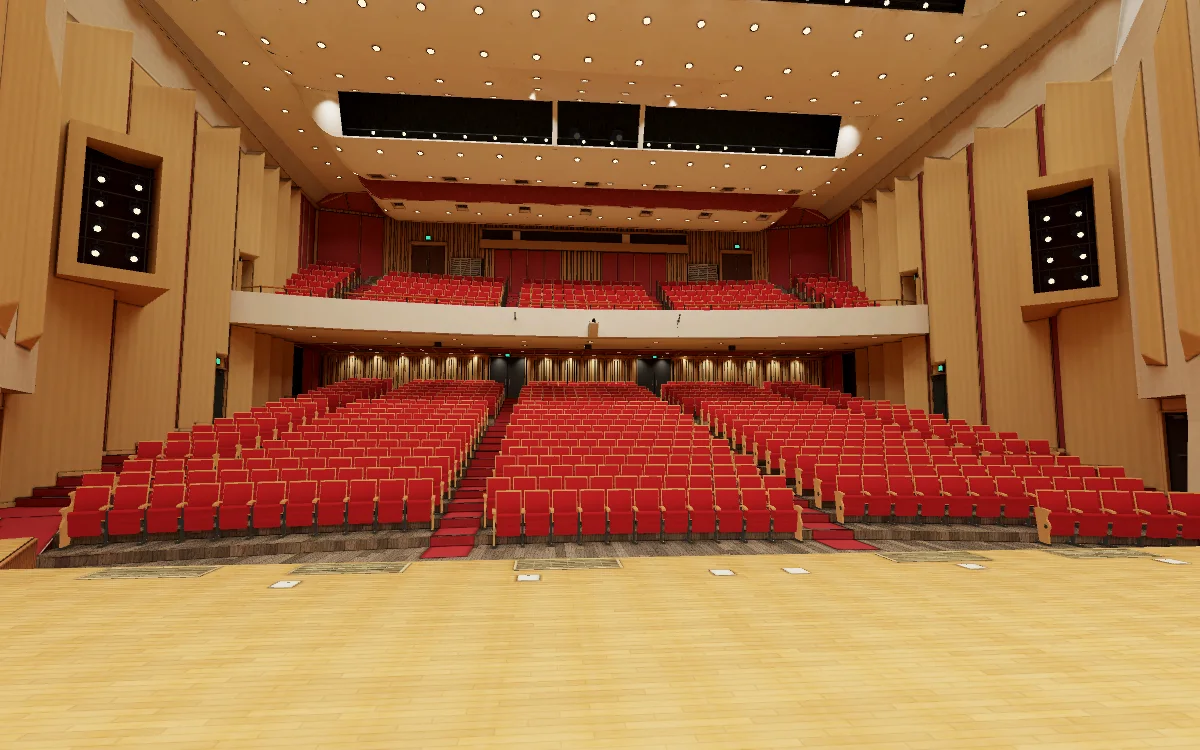
Explore freely
- 01Move with the keyboard
Move with W A S D or arrow keys.
- 02Drag to look around
Drag to turn; scroll to zoom.
- 03Jump and change area
Press Space to jump; use the buttons below to change area.
- 01Move and turn
Move with the lower-left joystick; drag an empty area to turn.
- 02Zoom in and out
Spread two fingers to zoom in; pinch to zoom out.
- 03Jump
Tap to jump.
Change the lighting.
See a different space.
Drag the divider to compare the stage lighting.
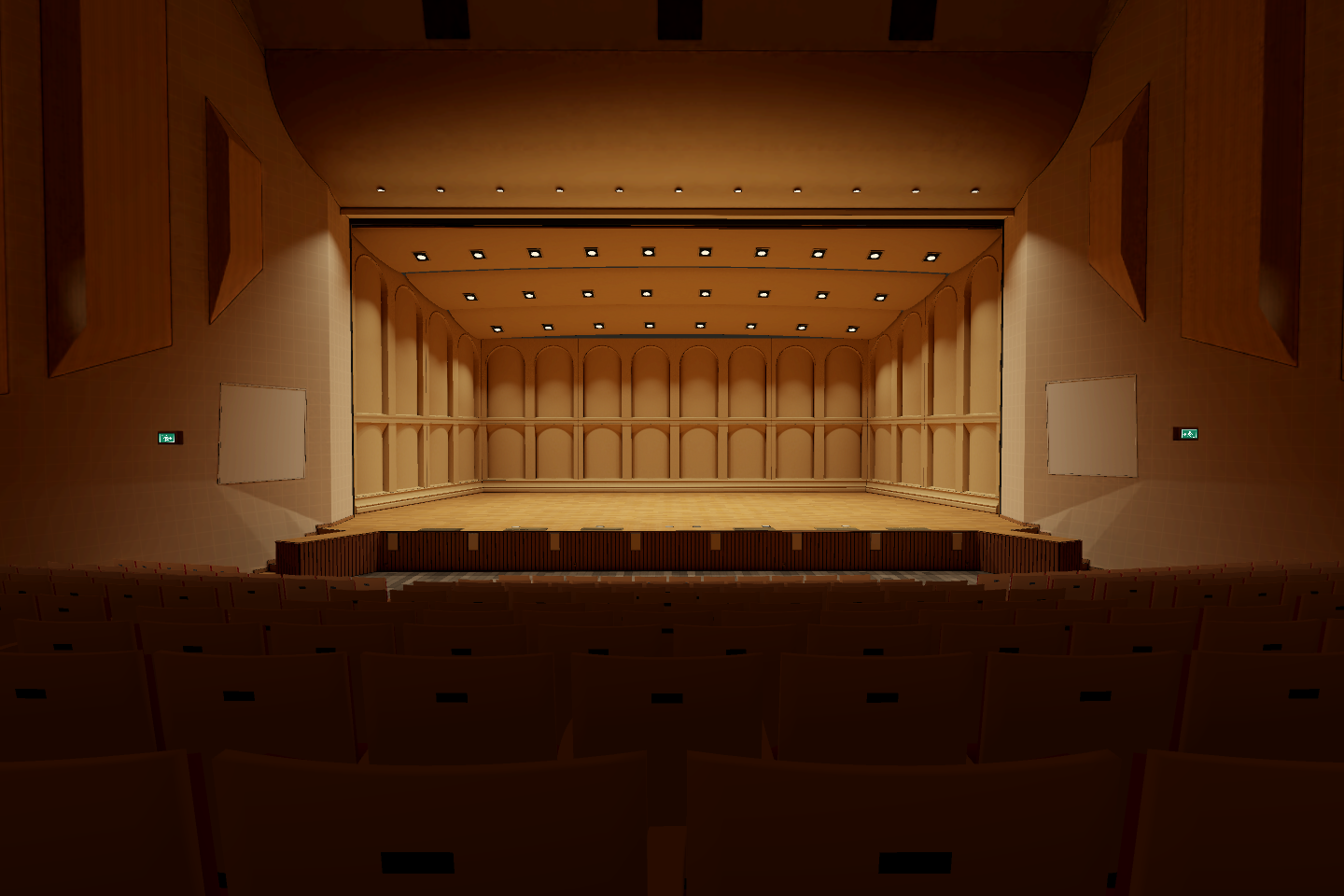
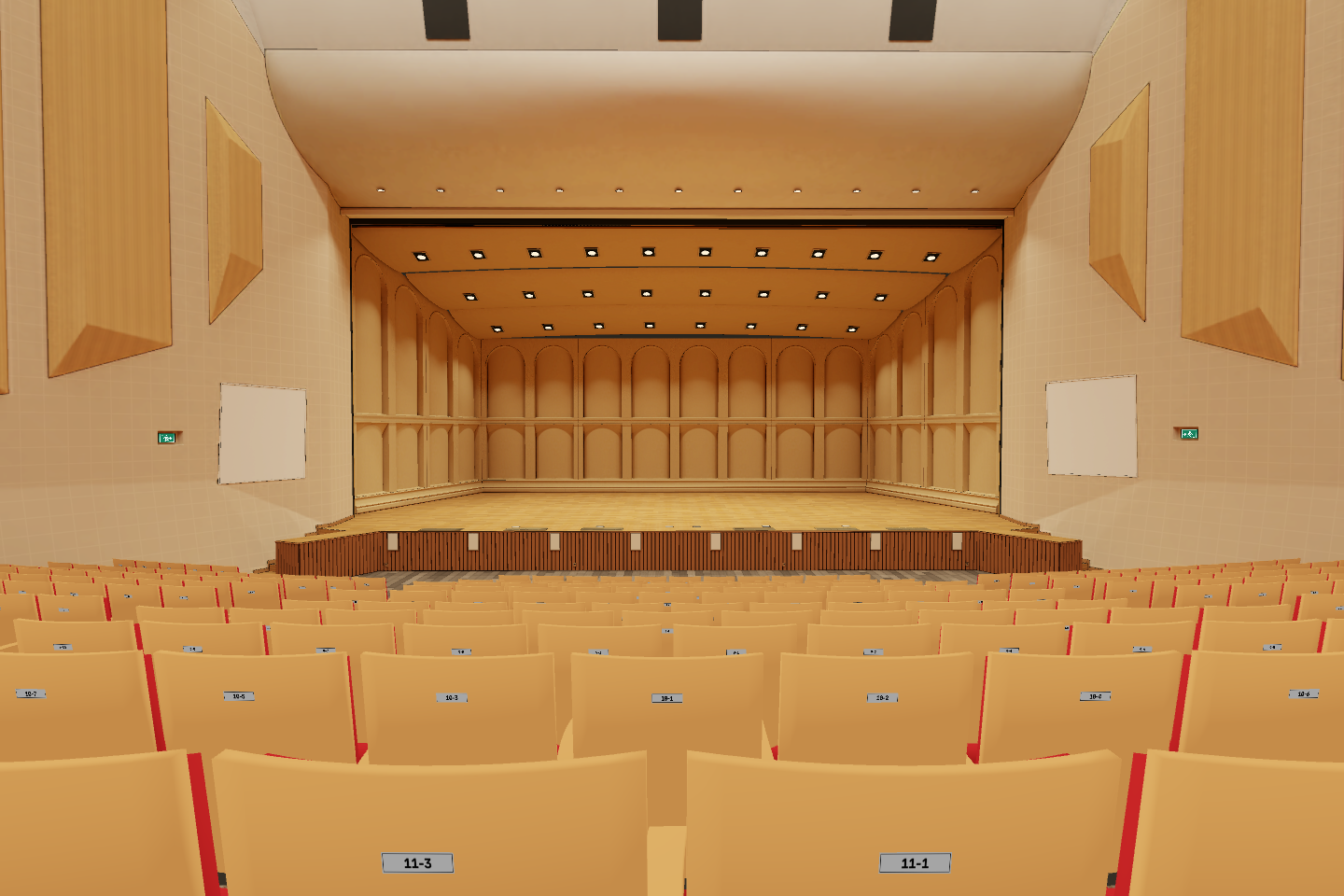
Full lightingPerformance lighting
From your seat,
what will you see?
Enter the tour and choose a seat to view the stage.
Enter and choose a seat ↗Controls illustratedChoose seat
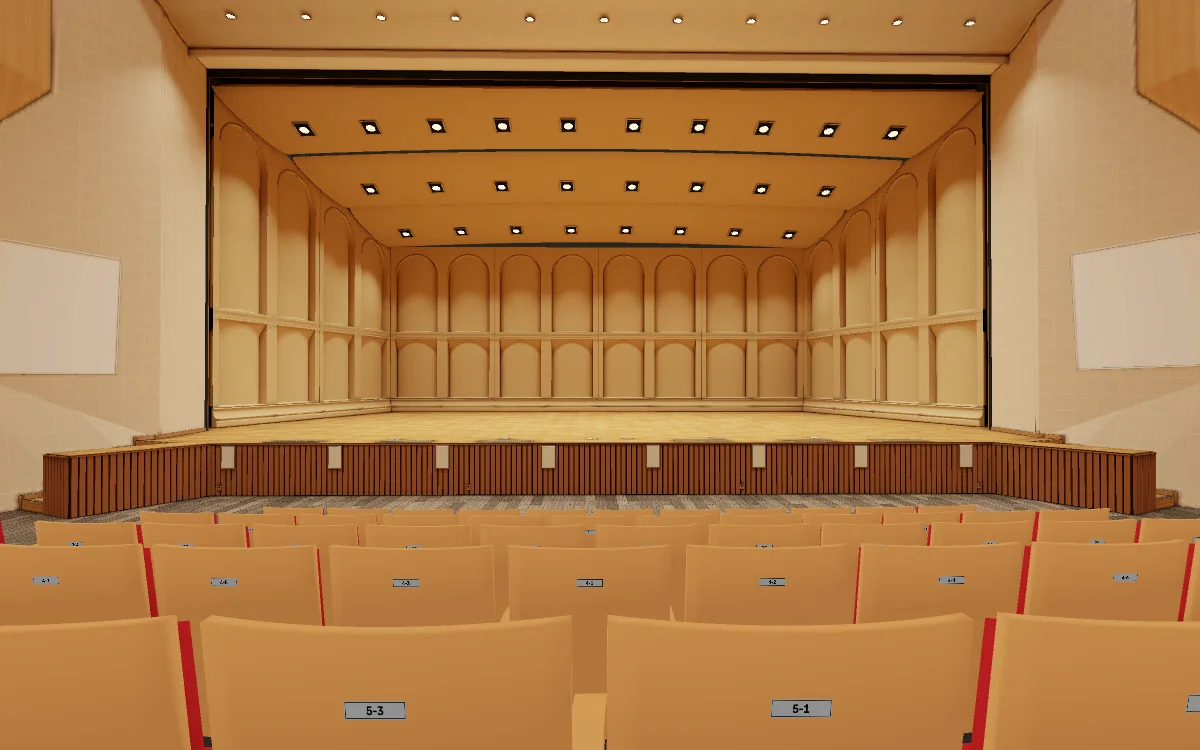
Example position Level 1 · Row 6 · Seat 1
Enter the tour and select “Choose seat” at the top right.